How do I set my motorcycle lighting to stay on one color using the key fob?Updated 7 months ago
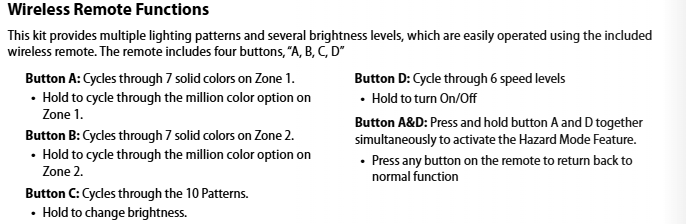
For non-Bluetooth Motorcycle Lighting Kits: Press the A button on the key fob to cycle through the Solid Color Modes. Stop on your desired color, and the kit will remain on that color until changed.

For Bluetooth Kits: Use the A button to set the color for Zone 1 and the B button to set the color for Zone 2. Once your preferred colors are selected, the lights will stay on those settings until updated.